Computer-wide captions and translations
Accurate real-time captions and translations for any audio playing on your computer, across any app or browser.
Download for Windows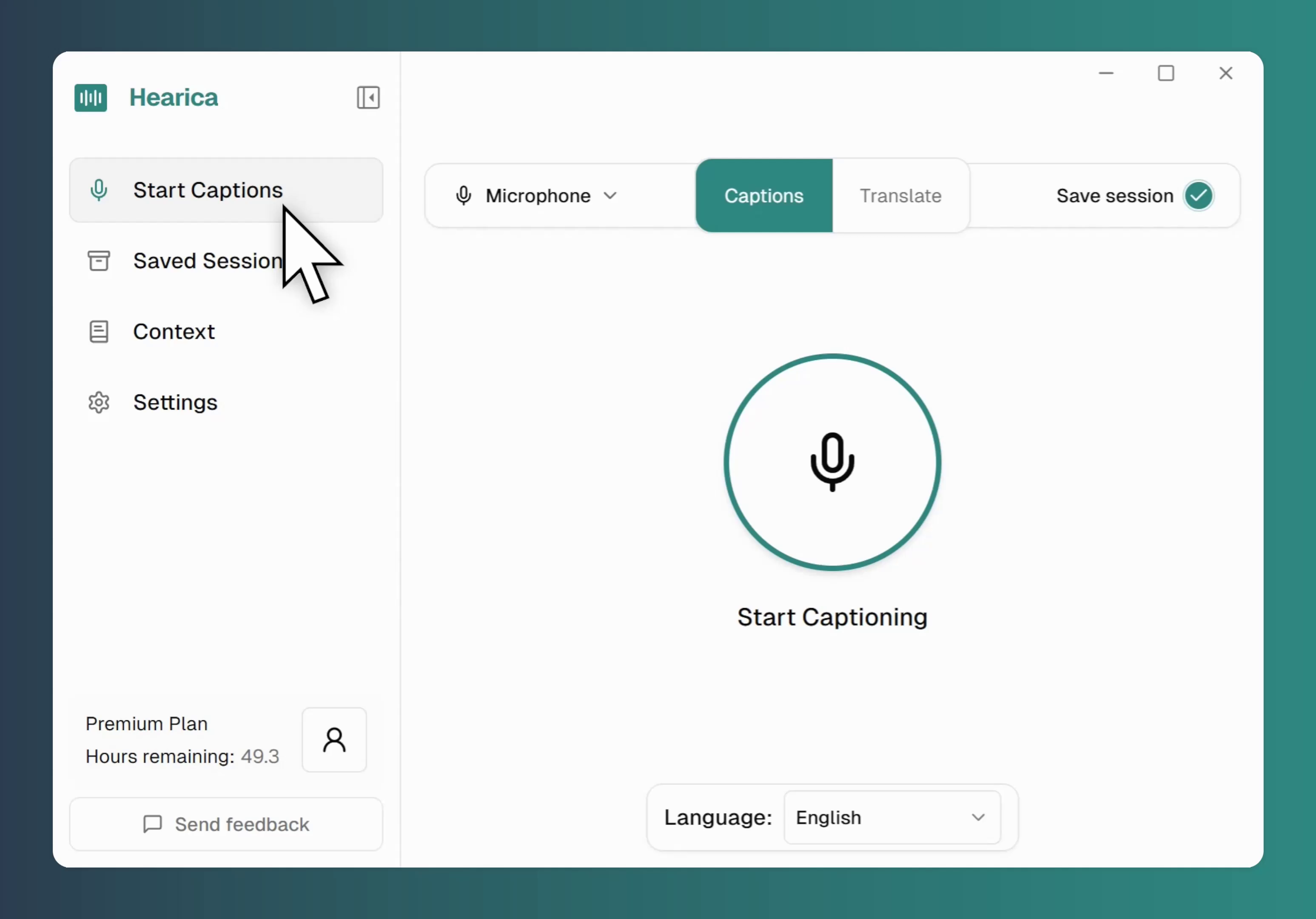

Any audio source
Live calls, voice notes, or that lecture from last week - Hearica captions it all, no plugins required.
Any audio source

Customizable & always-on-top
A floating overlay that stays visible over any app. Customize font size, weight, and opacity.
Customizable & always-on-top

Teach Hearica your vocabulary
Add names, acronyms, and jargon so Hearica spells them right every time.
Teach Hearica your vocabulary

Take your transcripts anywhere
Export to PDF, Word, text, or SRT subtitles. Attach the original audio with one click.
Take your transcripts anywhere
Empowering the Deaf and hard-of-hearing
Our mission is to break down communication barriers. Hearica provides real-time captioning and translation, making every conversation, lecture, and video accessible to everyone.

Frequently Asked Questions
Hearica is currently available for Windows only, though we aim to add more platforms in the future.
Absolutely. Hearica can capture your computer's audio output, which means it works perfectly with apps like Zoom, Google Meet, Microsoft Teams, and more. It can also transcribe audio from your microphone for live dictation.
Our Pro plan uses a state-of-the-art speech recognition engine with context learning. By adding custom vocabulary (like names, technical terms, or jargon), you can achieve near-human levels of accuracy. All plans offer the same great accuracy.
Yes, live translation is a key feature of our app. You can get real-time translations for over 60 languages, allowing you to follow along in multilingual conversations effortlessly.